
It answers from your content,
within your rules.
Upload your documents, point the assistant at your website, and set the tone and the limits. You decide what it knows and what it must never say.
What it gives you.
Your documents
Upload PDFs and text files. They are split, indexed and searched when a question comes in.
Your website
Give it your address. It reads the site and drafts the first version of what it knows about you.
Ready-made styles
Start from a style (butler, closer, support or expert), then adapt it.
Tone and personality
Choose how formal, warm or brief the assistant sounds.
Limits
Set what it may discuss, what it must refuse and when it must pass the conversation to a person.
Fix once, fixed everywhere
Correct an answer after reviewing a conversation and the correction applies on every channel.
From your files to its answers.
- Your documents and website pages go in
- They are split into passages
- The most relevant passages are retrieved
- The answer is written from those passages
- Describe your businessName, what you sell, hours and tone of voice.
- Add your contentUpload documents and give your website address.
- Set the limitsDecide what is off limits and when a person takes over.
- Review and refineRead real conversations and fix what needs fixing.
Your documents, cut into pieces it can look up.
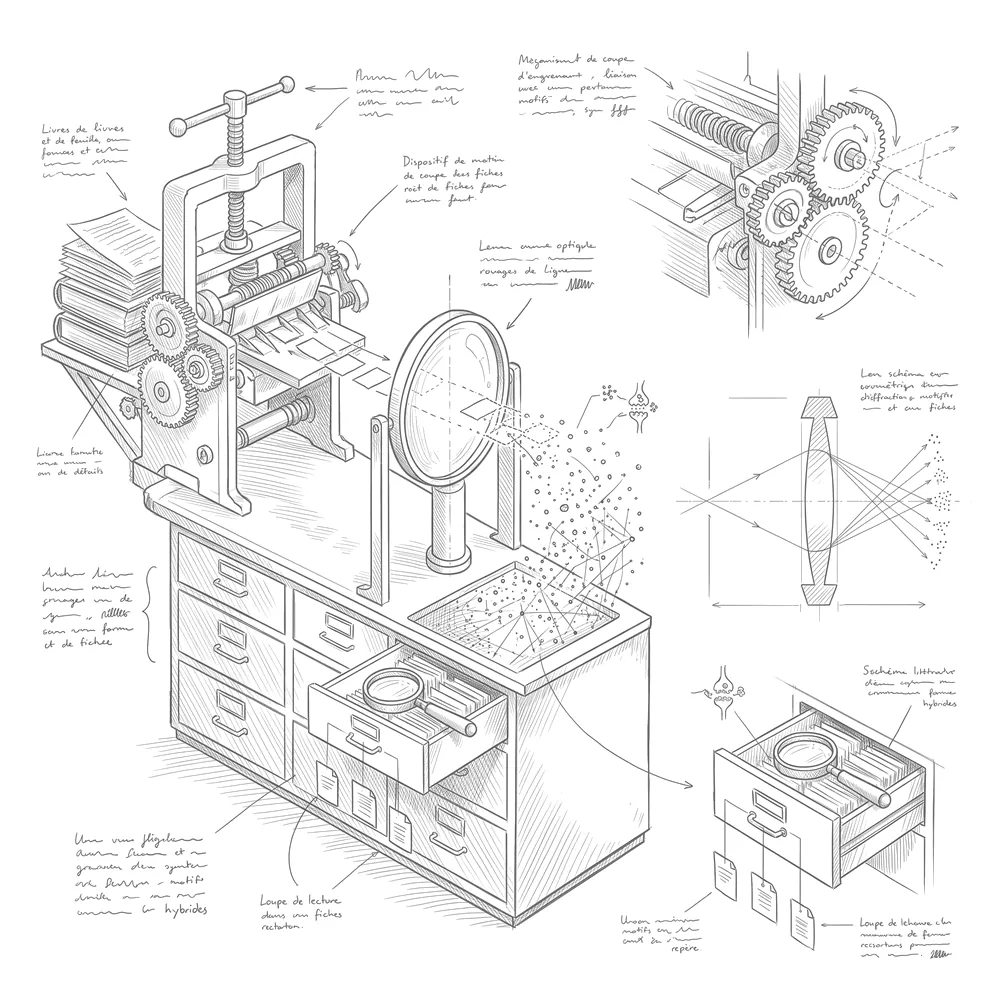
When you upload a PDF or a text file, Botlers splits it into short passages and indexes them. When a question comes in, the assistant searches those passages and answers from the ones that match.
If the answer is not in your content, it says so and offers to pass the request to your team.
Limits you should know about.
- The assistant is only as good as the content you give it. Out of date documents give out of date answers.
- When the answer is not in your content, the assistant says so and offers to pass the request to your team.
Questions people
ask first.
Questions people ask about this.
How do I stop an AI assistant from making things up?
Ground it in your own documents, set clear limits, let it say "I do not know", and review real conversations. These steps reduce the risk. No setup removes it entirely.
Read the answerWhat documents can I give an AI assistant?
PDFs and text files work. Price lists, policies, FAQs and manuals are good starting points. You can also give your website address and the assistant drafts a first version from your pages.
Read the answerThe rest of the product.
Phone agent
Answers calls, books visits, transfers to your team.
Learn moreWebsite chat and voice
A chat widget with an optional voice mode.
Learn moreWhatsApp and email
Same answers in the inbox and in messaging.
Learn moreLeads and appointments
Qualification, calendar, handoff and a to-do list.
Learn moreConnects to Google Calendar, Cal.com, Calendly, WhatsApp, Twilio, Stripe. Works on Phone calls, Website chat, Voice in the browser, WhatsApp, Inbound email.
See it answer
your own questions.
Book a short demo. We set it up on a sample of your content so you hear it in your own context.
Book a demo